- Home
- Features
Features
Features
1. Admin Module
The admin has full control over the platform and can:
- Create and manage user accounts
- Define role-based permissions for each user(e.g., site-level access, payroll-only access, scheduler-only access).
- Monitor overall platform analytics and system logs.
- Configure system settings including:
- Default shift timings
- Overtime rules
- Invoice tax slabs
- Notification preferences
- Manage company master, user roles, company settings and other masters globally.
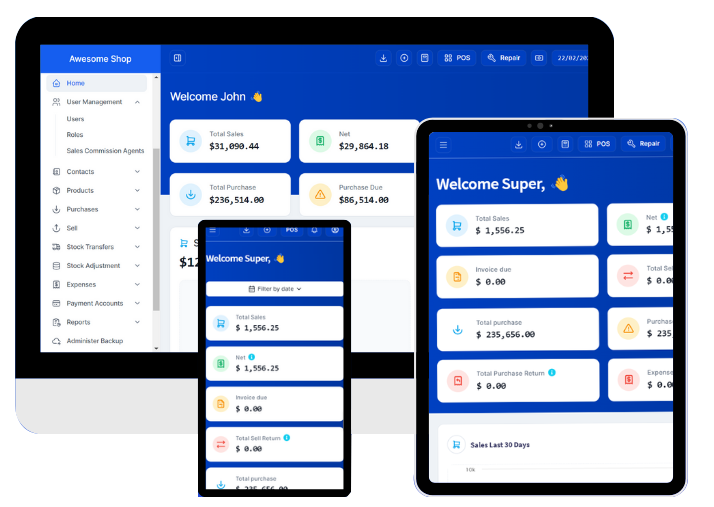

2. User Module
Functionality in the user module is driven by roles and permissions assigned by the admin.
Depending on roles, users can:
Schedule Management
- Assign shifts to guards on various sites
- Assign patrollers to predefined routes.
- Add schedules:
- Individually (per shift)
- In bulk (for multiple days/weeks/months via Excel)
- View and manage the duty calendar.
Real-Time Duty Monitoring
- Monitor live check-ins and check-outs from the Guard App.
- View GPS logs of patrollers.
- Flag late or missed duties.
Notification Management
Send push notifications to guards and patrollers for:
- New duty assignments
- Shift reminders
- Urgent site instructions
Payroll & Billing
Automatically calculate guard payouts based on:
- Scheduled vs. actual hours
- Overtime
- Night shift or holiday bonuses